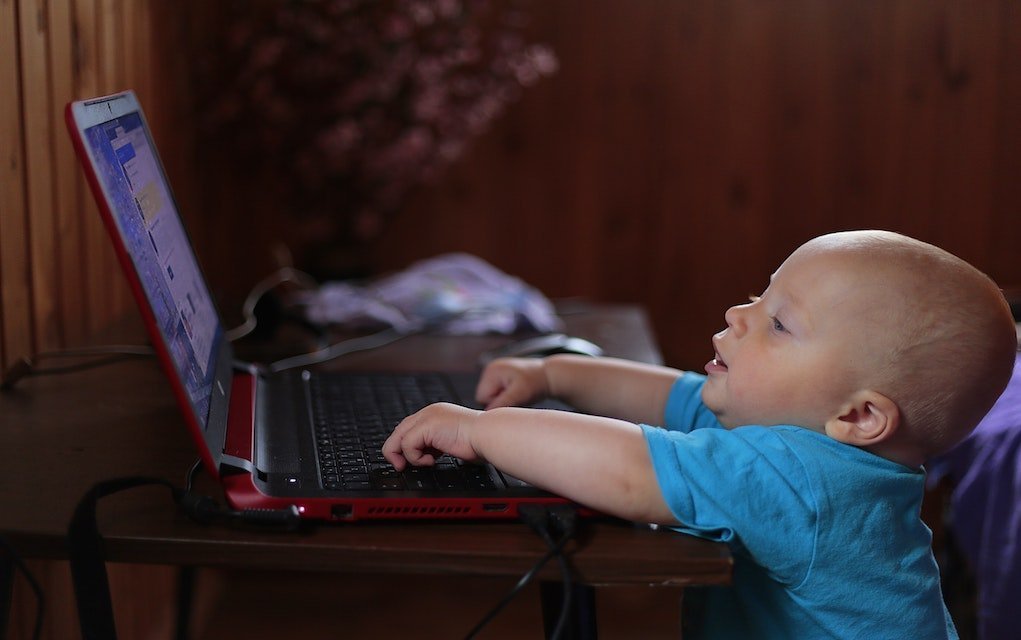
Parents, do you really know what your child is doing and viewing online? Do you and they understand why online safety matters? Today’s children have an abundance of digital technology at their fingertips — smartphones, laptops, tablets, smart TVs, and everything else connected to the internet. Getting familiar with the potential risks, and talking about them openly with your child, is one of the best things you can do to help keep them safe.
Want more parenting tips like this? Sign up for our free newsletter for ideas, competitions and offers straight to your inbox. Please share this article with family and friends if you find it useful.
In surveys around the world, parents regularly admit they have little real oversight of what their children are viewing and doing online. As a parent, it’s worth getting familiar with the hidden online dangers and cybersecurity risks children can face, so you can help educate your child to stay safe.
What Are the Most Popular Websites for Kids?

Video is one of the most popular ways for both adults and children to consume content online. In repeated surveys, YouTube shows up as the most popular website used by children, followed closely by video game platforms and then TV shows and movies.
You May Also Enjoy — 12 Things You Must Do To Keep Your Child Safe On YouTube
What Are the Potential Online Threats for Children?

There are millions of websites that children use safely every day — for watching videos, playing games, or researching and learning about the world. But the openness of the internet also means there’s a vast amount of unsafe or unregulated material that any child could stumble across.
Here are a few potential threats worth discussing with your children, so they can browse the internet as safely as possible.
You May Also Enjoy — Netflix Parental Controls Upgraded For Better, Safer Viewing

Lack of Authenticity
Your child needs to understand that not everything they read online is correct. Anyone can publish anything on the internet. If your child is using it to research a school project, encourage them to cross-reference information with a trustworthy source before treating it as fact.
Anonymity
On the internet, it’s easy for someone to pretend to be who they’re not. There have been many cases of people using anonymity to build inappropriate relationships with children online.
Make your child aware that they should be wary of talking to strangers, even if they seem friendly, and that they should never arrange to meet anyone they’ve only spoken to online. Make sure they know they can always come to you if they feel unsafe or unsure about anything they read or any message they receive.
Harassment
Social media, messaging apps, email and text can all be used as harassment tools — to intimidate or bully with messages, or to share images and videos inappropriately, causing embarrassment or hurt.
Talk to your child about what they share online, how they comment on others’ posts, and how these things can be misused to harass or harm.
Health Issues
Too much screen time has been linked to a range of health-related issues, including eyestrain, reduced physical activity, and social isolation.
Addictive Behaviours
It’s easy for anyone — children and adults alike — to become absorbed in life online. Whether your child is chatting with friends or playing online games, they can become so deeply engaged in the online world that real-life relationships and responsibilities start to fade into the background.
Watch out for these signs that your child may be developing an unhealthy relationship with the internet:
- Moody or withdrawn behaviour
- Spending more time online than with real-life friends
- Prioritising internet use over eating, sleep or schoolwork
Keep an eye out for potential online dangers, and keep the lines of communication with your child open.
You May Also Enjoy — One for the Fridge: 10 Tips for Practical Internet Safety for Kids
How Can Parents Educate Kids About Online Safety?

As with other kinds of safety, it’s best to start talking to your child about online safety from an early age.
As soon as they start learning about or using the internet, sit down with them and talk through some of the safety concerns around internet use. They may still be too young to use a computer or device unsupervised, but this is a great age to teach them that, just like the real world, the online world has both safe and unsafe places.
It’s also worth discussing how they can protect themselves online. They might be too young for concepts like VPNs, but you can teach them to stick to websites they know and trust.
Talk them through the importance of passwords — how to create a strong, sensible one, why they need a different password for each account, and why they should never share a password, even with a friend.
As your child gets older and starts using the internet more independently, keep reminding them of the risks, and make sure they always know you’re there to talk about anything that makes them feel uncomfortable or unsafe.
Online Safety For Kids: 6 Essentials

1. Never post anything online you wouldn’t want everyone to see — including your parents!
2. Don’t talk to strangers.
3. Set privacy settings (you could do this together with your children).
4. Be cautious about using public Wi-Fi.
5. Use secure, unique passwords.
6. It’s always okay to ask for help.
Trust your children — they will make mistakes online, but what matters most is being there for them when they do.
Frequently Asked Questions
What age should I start talking to my child about online safety?
As soon as your child starts learning about or using the internet, even before they’re browsing independently. Early conversations help them understand from the outset that, like the real world, the internet has both safe and unsafe places.
What are the warning signs of internet addiction in children?
Look out for moody or withdrawn behaviour, spending more time online than with real-life friends, and prioritising internet use over basics like eating, sleep or schoolwork.
How can I help my child create a secure password?
Teach them to use a strong, memorable password that’s different for every account, and to never share it with anyone, even close friends.
What should my child do if something online makes them uncomfortable?
Make sure they know they can always come to you, without fear of getting into trouble, whenever something they see or read online worries or upsets them.
Related Articles
- 12 Things You Must Do To Keep Your Child Safe On YouTube
- Netflix Parental Controls Upgraded For Better, Safer Viewing
- One for the Fridge: 10 Tips for Practical Internet Safety for Kids
Enjoyed This Article?
Browse more parenting and family life ideas on MyKidsTime, or save this article to come back to next time you’re having “the internet talk” with your child.
Stay in the Loop
Want more practical parenting tips like this delivered to your inbox? Sign up for our free MyKidsTime newsletter for weekly ideas, competitions and offers for busy families.
Over to you now — what’s your experience of teaching your child about online safety? Leave a comment below; we’d love to hear from you.