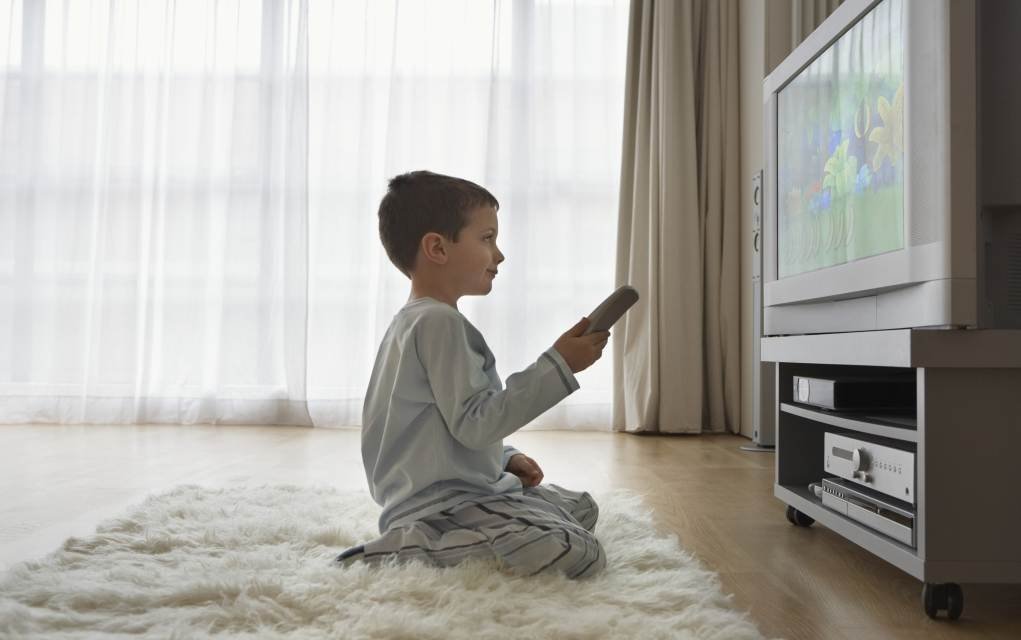
Letting your child settle in front of a favourite show while you get on with dinner or laundry can be a lifesaver. But it only takes a moment for a curious child to wander into a channel, recording or app that isn’t meant for them. Among the tools that have arrived on Sky TV to help with exactly this is Kids Safe Mode on Sky Q, part of Sky’s ongoing effort to help families stay safe while watching TV and spending time online.
Sign up for our free Newsletter stuffed full of ideas, competitions and offers. PS Did we mention it’s free?
Kids Safe Mode gives children a safe space to watch child-friendly TV at home. Parents can lock their Sky Q box into the Kids section by selecting the setting and entering their TV PIN. Once it’s on, all non-kids’ content — live TV channels, recordings, on-demand shows and apps — is blocked, and little ones can only see and explore content suitable for up to age 12.
You May Also Enjoy Netflix Parental Controls Upgraded for Better and Safer Viewing
Practical Tools for Parents with Sky TV
Alongside Kids Safe Mode, Sky TV customers have access to a set of practical tools worth knowing about:
- Sky Broadband Shield: a free tool that lets you filter which websites can be seen in the home, helping protect against malware and phishing sites across all internet-connected devices.
- Sky Kids App: a dedicated streaming service where children can watch favourite shows and play games in a child-friendly environment. Parents can create personalised age profiles using Sky Buddy avatars, so kids only see content that’s right for them. The app is available on compatible tablets and mobiles via Google Play and the Apple App Store.
- Parental control settings: Sky’s Family setting is on by default, helping protect younger viewers from inappropriate content. Parents can also block access to apps and online video, require a PIN for films over a certain rating, and even PIN-protect specific recordings using the ‘Lock’ function.
You May Also Enjoy 12 Things You Must Do To Help Keep Your Child Safe On YouTube
How to Turn on Kids Safe Mode on Sky TV

While Sky Q boxes already have a dedicated Kids section, Kids Safe Mode locks the box into that area until it’s switched off again — and turning it off also requires a PIN, so children can’t wander out on their own. Even if the box is turned off and back on, it will boot straight back into Kids Safe Mode while it’s active.
Here’s how to activate Kids Safe Mode on Sky TV:
1. Open up your browser on your Sky Box
2. Head to the ‘Kids’ section
3. Look for the option listed as ‘Safe Mode’
4. Select it and turn it on
5. Enter your PIN to confirm the selection
6. Once done, your Sky Box will be locked to the Kids section for viewers until Kids Safe Mode is turned off
Once activated, Kids Safe Mode locks viewers into Sky’s Kids section, which contains content for 0–12 year olds. You can activate it on any Sky Q box in the home, so you can watch your own shows in one room while the kids watch safely in another.
Tip: Sky recommends changing your PIN from its default setting to help protect younger viewers from accessing unsuitable content across live channels, on demand and recordings.
You May Also Enjoy Online Safety for Kids: 5 Simple Lessons to Teach Your Kids Today
What do you think of Sky TV’s Kids Safe Mode? Will you be using it? Leave a comment below and let us know – we’d love to hear from you!

Frequently Asked Questions
What is Kids Safe Mode on Sky TV?
Kids Safe Mode is a Sky Q setting that locks your box into the Kids section, blocking access to all non-kids’ live TV, recordings, on-demand shows and apps until a parent turns it off with their PIN.
How do I turn on Kids Safe Mode?
Open your Sky Box browser, go to the Kids section, select Safe Mode, turn it on and confirm with your PIN. The box will then stay locked to kids’ content until you switch it off again.
Does Kids Safe Mode work on every TV in the house?
Yes — you can activate it on any Sky Q box in the home, so different rooms can have different settings for adults and children at the same time.
What other Sky tools can help keep my child safe?
Sky Broadband Shield filters unsuitable websites across connected devices, the Sky Kids App offers a child-friendly streaming space with age profiles, and Sky’s Family setting plus PIN controls help manage what’s watched on the main TV.
Related Articles
- Netflix Parental Controls Upgraded for Better and Safer Viewing
- 12 Things You Must Do To Help Keep Your Child Safe On YouTube
- Online Safety for Kids: 5 Simple Lessons to Teach Your Kids Today
Stay in the Loop
Want more practical tips like these delivered straight to your inbox? Sign up for our free MyKidsTime Newsletter for weekly ideas, competitions and offers to help make family life easier.